

Best AI Free Tools for Everyday Tasks in 2026
From quick emails to homework help, here are the best AI free tools in 2026 for the small, everyday tasks that eat up your time.
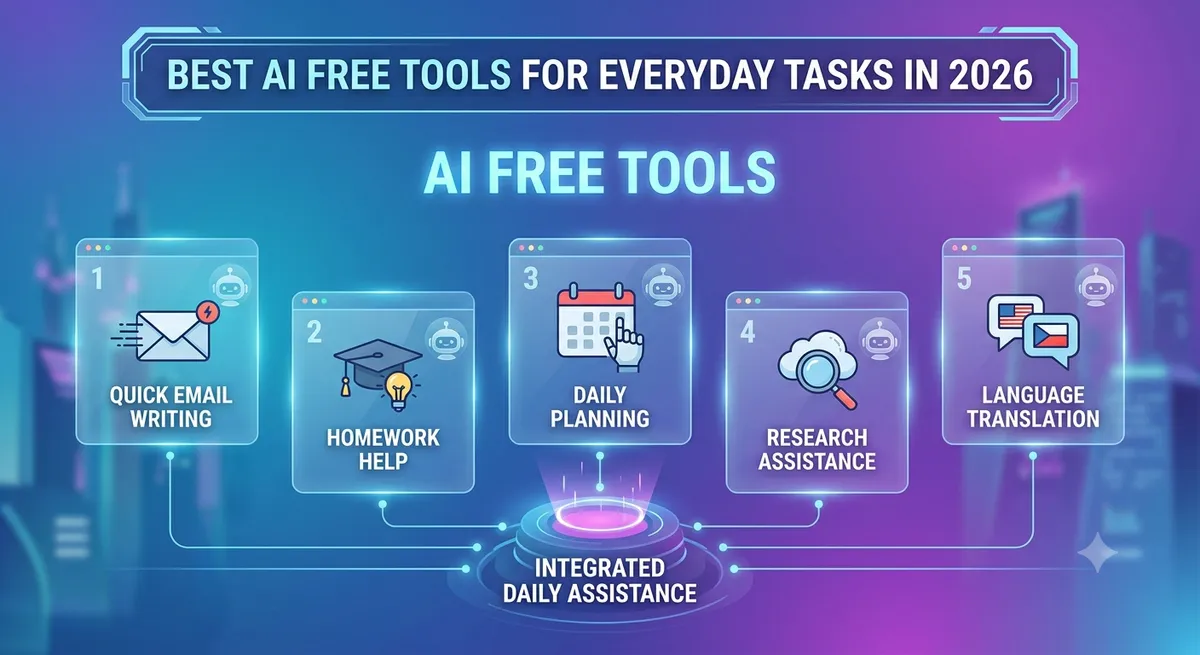
Not every AI use case is a big project. Most people's actual daily AI usage looks like small, quick tasks — rewriting a message, planning a weekly schedule, or double-checking a fact. This guide covers the best AI free tools in 2026 for exactly that kind of everyday use, without a subscription in sight.

Quick Writing and Message Drafting
Whether it's a tricky email reply, a text to a landlord, or a LinkedIn message, a free AI assistant can turn a rough idea into a clear, well-worded message in seconds. ChatGPT and Gemini both handle this well on their free tiers, and dedicated writing tools go a step further with tone adjustment and grammar polishing. See our AI writing assistant category for options built specifically around this.
Everyday Research and Fact-Checking
Free AI assistants are genuinely useful for quick research — comparing two products before a purchase, understanding an unfamiliar term, or getting a quick summary of a longer article you don't have time to read fully. Tools like NotebookLM take this further by grounding answers strictly in documents you provide, reducing the risk of confidently wrong answers on important topics.
Planning and Organization
AI tools have quietly become useful planning assistants — helping draft a weekly schedule, brainstorm a trip itinerary, or organize a to-do list by priority. This works especially well when paired directly with Google Calendar or Docs, since Gemini can act on your existing schedule rather than starting from scratch. For broader productivity use cases, our AI productivity tools guide covers tools built for exactly this.
Homework and Learning Help
Students use free AI tools daily for explaining concepts, checking practice problems, and summarizing dense reading material. The key is using these tools to understand material rather than just generate final answers — source-grounded tools like NotebookLM work particularly well for this since they stick to your actual course material. Our AI tools for students collection covers more options built specifically for this use case.
Quick Image Creation
Free-tier AI image tools are genuinely handy for everyday, low-stakes visual needs — a quick graphic for a group chat, a simple birthday card design, or a placeholder image for a personal project. These tools have gotten fast enough that generating something usable takes under a minute in most cases.
Everyday Coding and Tech Help
Even for non-developers, free AI tools help troubleshoot small tech problems — explaining an error message, writing a simple spreadsheet formula, or understanding what a piece of code actually does before running it. For anyone doing this more seriously, our AI tools for developers directory covers dedicated coding assistants built for deeper technical work.
How Much Everyday AI Use Actually Costs (Nothing, Usually)
The genuinely good news about everyday AI use is that free tiers cover almost all of it. Rate limits on tools like ChatGPT or Gemini rarely get hit by casual, day-to-day use — they mainly become a factor for people using AI heavily for work, not for the kind of quick tasks covered here.
Building a Simple Everyday AI Routine
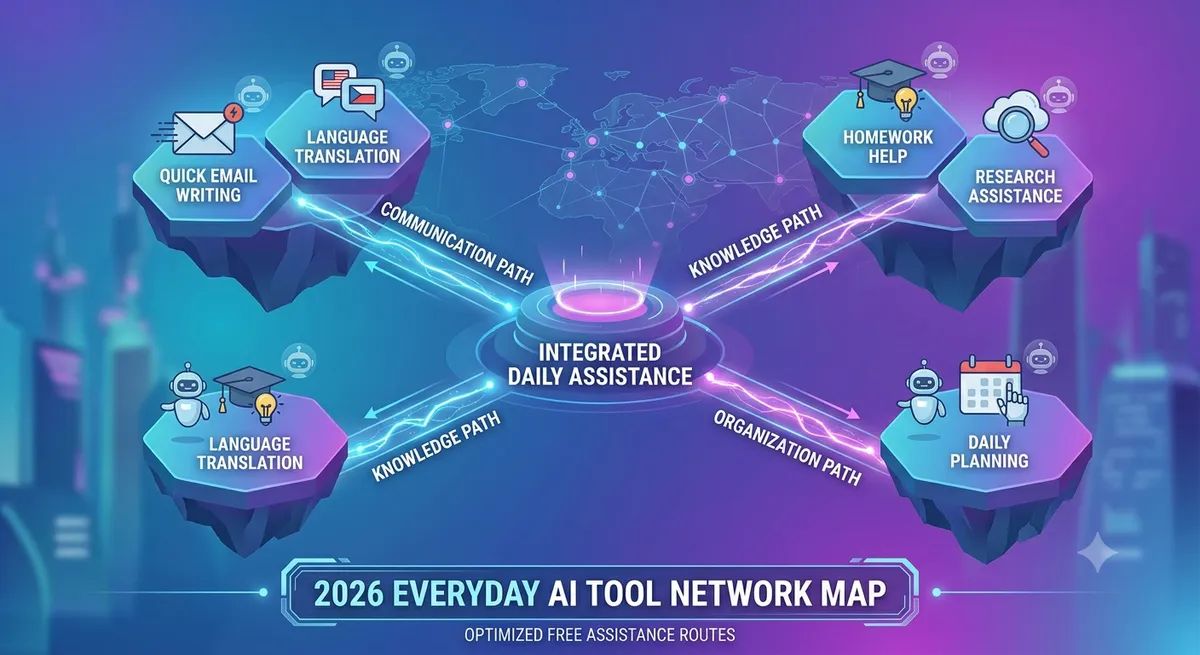
Most people get the most value from picking one general assistant (ChatGPT or Gemini) as their default, and reaching for a specialist free tool only when the task clearly calls for it — an image generator for visuals, a document-grounded tool for research, or a coding assistant for technical questions. This keeps things simple without needing a dozen different apps for daily use.
Frequently Asked Questions
Do I need multiple AI tools for everyday tasks?
Not usually — one general assistant covers most everyday needs. Specialist tools are only worth adding for specific recurring tasks like image generation or document research.
Are free AI tools accurate enough for homework help?
They're a good starting point for understanding concepts, but answers should always be double-checked against course material, especially for graded work.
Can free AI tools help with daily planning and scheduling?
Yes, especially when integrated with tools like Google Calendar, where an assistant can reference your actual schedule rather than working from scratch.
Is it worth paying for AI tools for everyday, casual use?
Usually not — free tiers comfortably cover casual, everyday tasks. Paid plans make more sense for heavy daily professional use.
Final Thoughts
The best AI free tools for everyday tasks aren't flashy — they're the ones that quietly save you a few minutes here and there throughout the day. Start with one general assistant and add specialist tools only as specific needs come up. Browse the full AI tools directory on AI List Stack to explore more options by category.
Want to stay updated?
Get the latest AI tool reviews and news delivered to your inbox.