

I Tested 7 AI Data Analysis Tools for 3 Months — Here's What I Actually Found
I spent 3 months testing the best ai tool for data analysis in 2026 across real messy datasets. Here are honest findings on ThoughtSpot, Power BI, Julius AI, and more.
I Tested 7 AI Data Analysis Tools for 3 Months — Here's What I Actually Found
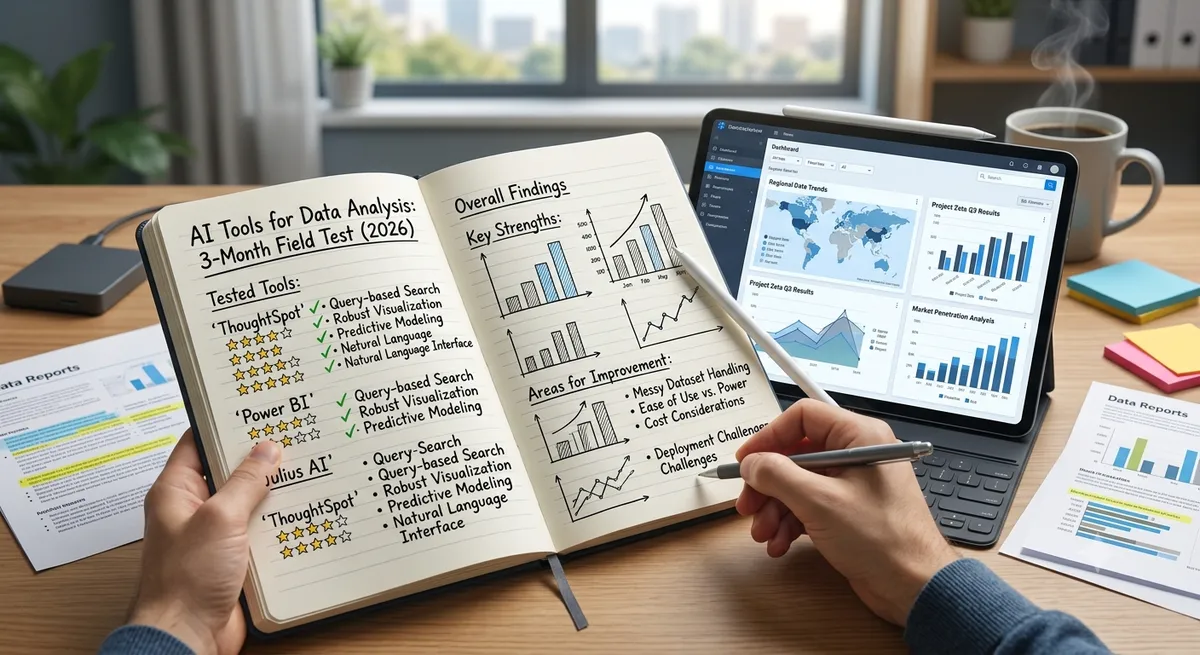
I have been doing data analysis work for over a decade — first as a business analyst, later running analytics for a mid-size SaaS company — so I came into this experiment with real expectations and real frustrations. When I set out to find the best ai tool for data analysis in 2026, I was not looking for the shiniest demo. I wanted to know which tools actually held up under the pressure of daily use: messy data, impatient stakeholders, and questions that do not fit neatly into a pre-built dashboard. Here is an honest account of what I found after three months of hands-on testing.
Why I Ran This Test
My team was spending too much time answering the same ad-hoc data questions over and over. Finance would ask about cohort revenue, marketing would want attribution breakdowns, ops would need exception reports — and every request landed in the analytics queue. I figured that if the right AI tool could let non-technical stakeholders answer their own questions, I could reclaim maybe 40% of my week. That was the hypothesis. Let me tell you what happened when I tested it.
The Tools I Tested and How
I ran seven tools against the same three data scenarios: a 500,000-row customer transaction dataset in Snowflake, a messy 15-tab Excel workbook from our operations team, and a collection of PDF sales reports that someone decided to store as unstructured files rather than in a database. Not every tool handled all three — and that gap turned out to be telling.
The tools: Tableau with Tableau AI, Microsoft Power BI with Copilot, ThoughtSpot, Looker, Databricks Genie, Julius AI, and Polymer.
ThoughtSpot: The One That Genuinely Surprised Me
I expected ThoughtSpot to be good at natural-language queries because that is the whole pitch. What I did not expect was how well it handled ambiguous questions. When I typed something like "which regions are underperforming versus last quarter" — no date range specified, no metric defined — it correctly inferred I meant revenue, used the previous quarter as the comparison period, and flagged two regions with declining trends. It also popped up a follow-up question I had not thought to ask: whether the decline correlated with sales headcount changes. That proactive leap was impressive.
The frustration? Getting ThoughtSpot connected and configured took the better part of a day even with good documentation. It is built for scale and the setup reflects that. For a team that already has Snowflake or BigQuery and an IT team to handle the integration, that cost is a one-time investment. For a smaller operation, it is a real barrier.
Power BI Copilot: Better Than I Expected, Messier Than I Hoped
My honest starting position on Power BI Copilot was skepticism. Microsoft has a history of announcing AI features that take two more release cycles to become actually useful. The 2026 version surprised me. The DAX explanation feature alone saved my junior analyst hours of head-scratching — she could highlight a complex formula and ask Copilot to explain it in plain English. For report generation, Copilot now does a respectable job turning a vague brief like "give me a monthly revenue summary by product" into a serviceable draft dashboard.
Where it still frustrated me: the NL query interface sometimes chose the wrong metric when two similarly named fields existed. It would confidently return an answer, and the number would look plausible but be wrong. You have to verify outputs, which means you need someone who already knows the data well enough to spot errors — which somewhat undermines the self-service premise for non-technical users.
Julius AI: My Unexpected Daily Driver
I did not expect Julius AI to earn a place in my regular workflow, but it did. I started using it for the quick, exploratory questions that do not warrant spinning up a full BI report: upload a CSV, ask a question, get a chart and a statistical summary in under 30 seconds. It generates Python or R code for the analysis it runs, which I found genuinely useful — I could inspect the logic, catch edge cases, and hand off reproducible code to a colleague.
The limitations are real. Julius AI is not a governance tool. You would not want sensitive customer PII going through it without carefully reviewing the data processing terms. And for anything that needs to live in a shared, permissioned dashboard visible to thirty people across three departments, you need a proper platform. But as a personal analysis assistant? It earns its place.
Tableau AI: The Mature Enterprise Workhorse
Tableau has been in enterprise analytics longer than most of its competitors, and it shows — in both the good and the frustrating ways. The AI features (Einstein Copilot integration, natural-language chart suggestions, anomaly alerts) work well when the data model is clean and the questions are relatively standard. When I was working with the transaction dataset, Tableau's visualization engine produced the most polished, customizable outputs of any tool I tested. If I were building a board-level dashboard, this is where I would build it.
The cost, though. The AI features are locked to the Tableau+ tier, which adds meaningfully to an already significant licensing bill. For organizations already deep in the Salesforce ecosystem it may make financial sense. For everyone else, the price-to-value equation requires careful scrutiny.
Looker: Powerful If You Are Patient
I want to be honest about Looker: I did not fall in love with it during this test, but I respect what it is doing. LookML — Looker's semantic modeling language — forces a discipline that most BI tools let you skip. Every metric is defined once, in one place, and that definition propagates everywhere. When I finally had the model configured, queries were trustworthy in a way that felt different from tools that let users build metrics ad hoc and then argue about which number is right in the Monday morning meeting.
The Gemini-powered conversational features are improving. They were not as fluid as ThoughtSpot during my test, but for teams where governance and consistency matter more than raw NL query quality, Looker's overall architecture often wins the argument. The setup investment is significant. Budget for it honestly.
Databricks Genie: A Game-Changer If You Live in Databricks
If your organization runs Databricks as its data platform — and increasingly, mid-to-large engineering-led companies do — Genie is quietly one of the most compelling developments in the analytics space right now. The ability to let a business analyst ask a question in plain English against production lakehouse tables, with Unity Catalog enforcing row-level security and audit logging transparently in the background, is genuinely powerful. No separate BI database, no stale data extract, no schema mismatch between what the analyst sees and what engineering is using.
Outside the Databricks ecosystem, Genie is not a standalone option — and it is not trying to be. If you are not already on Databricks, this is not a reason to migrate.
Polymer: The Surprise for Non-Technical Teams
I tested Polymer specifically because someone on our operations team asked me to — they had found it themselves and were already using it with a shared Google Sheet. Within minutes they had an interactive app with filters, trend charts, and AI-written summaries of what the data was showing. No analyst involvement required. That is genuinely impressive and genuinely useful for teams whose data lives in spreadsheets and who do not have — and likely never will have — access to a BI platform.
Scale is the ceiling. Once you hit millions of rows or need cross-database joins, Polymer is not the right tool. But for its intended use case it over-delivers.
Side-by-Side: My Testing Results at a Glance
| Tool | NL Query Quality | Setup Friction | Non-Technical UX | Best Moment | Worst Moment |
|---|---|---|---|---|---|
| ThoughtSpot | Excellent | High | Excellent | Proactive anomaly + follow-up question | Day-long initial setup |
| Power BI Copilot | Good | Medium | Good | DAX explanation saving analyst hours | Confident wrong answers on ambiguous fields |
| Julius AI | Excellent | Very Low | Excellent | 30-second CSV-to-insight with reproducible code | Not suitable for shared governed dashboards |
| Tableau AI | Good | Medium | Good | Most polished board-level visualizations | AI features cost extra on top of high base price |
| Looker | Good | High | Moderate | Consistent, governed metric definitions | LookML learning curve frustration |
| Databricks Genie | Good | Low (if on Databricks) | Good | Live lakehouse queries with Unity Catalog governance | Useless outside Databricks |
| Polymer | Good | Very Low | Excellent | Ops team self-served dashboards without any analyst | Hits a ceiling fast on larger data |
What I Learned About Myself (and My Team)
The most useful thing this experiment taught me was not a product ranking — it was clarity about what my team actually needed. We had been debating enterprise BI platforms because that is what analysts are supposed to use. But most of the stakeholder questions we were drowning in were small, exploratory, and time-sensitive. A Julius AI license for each analyst, combined with a shared Looker model for the metrics that governance required to be consistent, turned out to cover 90% of use cases at a fraction of the cost of a full enterprise rollout.
There is no universal answer to which tool is best. There is only the answer that fits your data scale, your team's technical depth, your governance requirements, and your budget. Run your own proof of concept with real questions from real stakeholders. The tools that look impressive in a sales demo and the ones that hold up under daily use are not always the same.
Frequently Asked Questions
Which AI data analysis tool is easiest to get started with?
Julius AI and Polymer have the lowest setup friction — you can upload a file and start asking questions within minutes. Both have free tiers, making them ideal for initial exploration before committing to an enterprise platform.
Is ThoughtSpot worth the high price?
For mid-to-large organizations with a cloud data warehouse and a meaningful volume of self-service analytics demand from non-technical users, ThoughtSpot typically justifies its cost by reducing analyst time spent on ad-hoc requests. At smaller scale, the ROI is harder to achieve and lighter tools are usually sufficient.
How accurate are AI-generated insights in analytics tools?
Accuracy varies significantly by tool and by question type. Straightforward aggregations (totals, averages, trends) are generally reliable. Complex or ambiguous multi-step questions produce more errors. The practical rule: always validate AI-generated insights against known benchmarks before sharing with stakeholders, especially in regulated industries.
Can I use AI analytics tools with my existing Snowflake or BigQuery warehouse?
Yes. ThoughtSpot, Looker, Databricks Genie, and Tableau AI all support live queries against major cloud warehouses without requiring data extraction. Power BI also connects natively to Snowflake and BigQuery. This live connectivity is preferable to data imports for governance, freshness, and scale.
What should non-technical users look for in an AI analytics tool?
Prioritize tools with natural-language query interfaces, clear answer explanations, and the ability to share or export results without analyst help. ThoughtSpot, Power BI Copilot, and Julius AI all perform well on these dimensions. Avoid tools that require SQL knowledge or model configuration for day-to-day use.
How is AI analytics different in 2026 compared to 2023?
The quality of natural-language query understanding has improved substantially, reducing the rate of nonsensical or factually wrong answers. Proactive insight generation — where the AI alerts you to trends you did not ask about — has moved from marketing feature to practical capability in leading tools. Governance features have also matured, making it feasible to expose AI analytics to business users without sacrificing data access controls.
Related Reading
Want to stay updated?
Get the latest AI tool reviews and news delivered to your inbox.