

I Tested 8 AI Image Generators in 2026 — Here's What I Actually Found
I spent months testing 8 of the best ai image generator platforms in 2026. Here's my honest breakdown of what each tool does well and where each one falls short.
I Tested 8 AI Image Generators in 2026 — Here's What I Actually Found
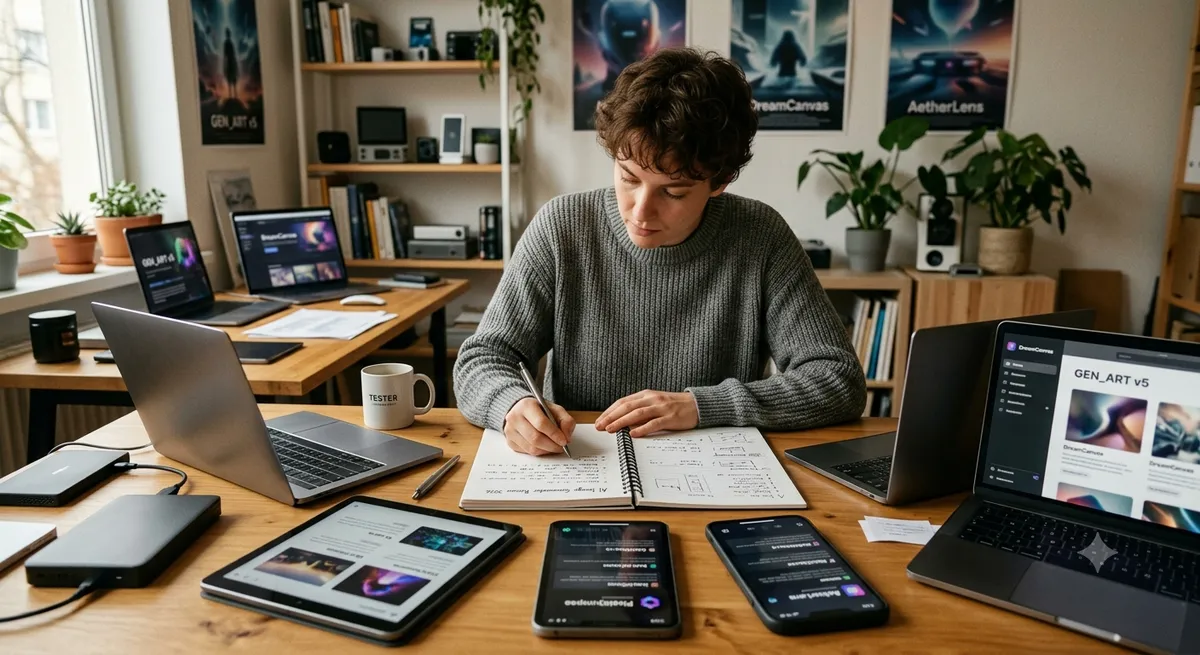
For the past several months I've been running the same batch of test prompts through every major best ai image generator contender I could get my hands on — Midjourney, DALL-E 3, Adobe Firefly, Stable Diffusion, Flux, Ideogram, Leonardo AI, and Canva's Magic Media. I kept notes. I tracked where each tool surprised me and where it embarrassed itself. This is what I found, written without the PR gloss.
Why I Did This (And Who It's For)
I run a small content production operation. We make social assets, editorial illustrations, and occasional product mockups for clients in the consumer tech and lifestyle space. A year ago I was paying for three different image generation subscriptions because no single tool covered all our output types well. I wanted to figure out whether that was still true in 2026, or whether one or two platforms had finally pulled far enough ahead to consolidate our stack.
Short answer: the field has genuinely moved. Some tools I was enthusiastic about have stagnated. One I'd written off surprised me. And a few specialist tools carved out niches so specific that they're irreplaceable for particular jobs even if they're weak everywhere else.
My Testing Approach
I used a standardized set of prompts across all eight tools. The test set included: a photorealistic product shot (a glass bottle on marble), an illustrated editorial scene (a scientist in a retro lab), a poster with visible text ("Launch Day — June 2026" — yes, I specifically needed readable text), a detailed landscape (aerial view of a terraced rice field at golden hour), and a character consistency test (the same fictional character in three distinct settings). I ran each prompt multiple times and kept the best result from each tool, which is how real-world production works.
Midjourney: Still the Aesthetic Leader, But No Longer Untouchable
Midjourney version 6 continues to generate images that make people stop scrolling. There's a quality of light and painterly texture in Midjourney outputs that I haven't been able to fully replicate elsewhere. My editorial illustration prompt produced a result good enough to use as-is, something I can't say about most other tools. The API access introduced in v6 has been a meaningful quality-of-life improvement — I no longer have to be in Discord to use it programmatically.
The limitations are real, though. Midjourney still struggles with spatial logic in complex compositions, and the character consistency feature, while useful, requires careful reference image management. There's no free tier anymore, and the monthly cost at our volume adds up. I keep it in our stack specifically for high-visibility creative work where visual impact is the primary metric. I don't use it for routine asset production.
Adobe Firefly: The Safe Bet That's Gotten Genuinely Good
A year ago I would have described Firefly as the legally safe option that produced competent but uninspiring outputs. That characterization needs updating. The model has improved significantly, and for product-adjacent commercial work — clean packshots, lifestyle imagery, banner backgrounds — it now produces results I'm happy to send to clients without apology.
What hasn't changed is its unique value proposition: it's trained on licensed content and Adobe provides commercial indemnification on paid plans. When I'm generating images for a client that will go on product packaging or a national ad campaign, Firefly is what I use. The peace of mind is worth the subscription cost independently of the quality. The tight Photoshop and Illustrator integration is a genuine workflow accelerator too — generated assets land in an editable layer without any file management friction.
DALL-E 3: My Unexpected Workhorse
I'll be honest — I underestimated DALL-E 3 coming into this evaluation. I expected it to be the safe default for people who live in ChatGPT, not something a production-oriented user would choose deliberately. I was wrong about that, specifically in two areas.
First, text in images. My poster prompt with readable text — "Launch Day — June 2026" — rendered legibly on the first attempt. This sounds trivial until you've spent an hour regenerating images in other tools trying to get a sign, a label, or a caption to render without garbled letterforms. DALL-E 3 handles this reliably. Second, prompt adherence in complex compositional directions is strong. When I wrote a detailed scene description specifying the position of objects, lighting angle, and mood, DALL-E 3 followed it more faithfully than tools with a reputation for superior raw quality. For instructional content, technical illustration, and any project where you need the output to match a spec rather than look maximally beautiful, it's a legitimate first choice.
Flux (Black Forest Labs): The Photorealism Challenger
Flux.1 Pro is the most surprising tool in this evaluation. My product shot prompt — a glass bottle on marble — came back looking like a professional studio photograph. I ran it past a colleague without telling her how it was made and she asked which photographer we'd hired. The material rendering, reflections, and lighting logic are at a level that puts it ahead of every other tool I tested on strictly photorealistic tasks.
The catch is that accessing Flux conveniently requires navigating a patchwork of API providers and third-party UIs since there's no single official consumer product. For developers comfortable with API calls, this is a non-issue. For non-technical users, the setup friction is real. I've settled on running Flux Pro through a hosted API for our product photography needs and keeping Midjourney for everything artistic. Between those two tools, a lot of other tools in my stack have become redundant.
Ideogram: The Specialist I Can't Live Without
Ideogram does one thing better than any other tool: it renders text inside images reliably. If your work involves any kind of poster design, social graphic with captions, event announcement, or typographic illustration, Ideogram is not a nice-to-have — it's the tool. My "Launch Day — June 2026" poster prompt came back with perfect kerning and correct letterforms on the first attempt, at a level that would take significant post-processing to achieve in other generators.
Outside of text-heavy tasks, Ideogram's outputs are competent but not distinctive. I don't use it for landscape photography or painterly art. But for its specialty, nothing I've tested comes close, and the free tier is generous enough to handle light commercial use.
Stable Diffusion and Leonardo AI: The Customization Champions
I'm grouping these together because they serve the same underlying need — customization and style control — through different interfaces. Stable Diffusion (specifically SDXL and SD3 weights) and the Flux ecosystem give you the ability to fine-tune models on your own data. For our work, this has meant training a LoRA adapter on a client's product line so that every generated scene includes recognizable brand elements without needing to describe them in every prompt. That workflow is not available in any proprietary tool at a comparable price point.
Leonardo AI layers a more accessible interface on top of similar open-weight models, with a curated library of community-trained style models that are genuinely useful for game art, character design, and stylized illustration. If you don't want to manage your own compute but want more style control than Midjourney's parameters offer, Leonardo sits in a useful middle ground. Its free daily token allowance also makes it one of the better options for students and hobbyists who can't justify a subscription.
Canva Magic Media: For People Who Just Need an Image
I include Canva here not because it's competitive with the specialized tools above, but because the use case is real and different. If you need an image for a social post or a presentation slide and you're already working in Canva, Magic Media requires no context-switching, no prompt engineering knowledge, and no new account. The outputs are usable at social media resolution. They're not going to win creative awards, but for the target user — a marketer or small business owner who needs a background image in thirty seconds — it does the job.
My Honest Stack Recommendation After All This Testing
If I were starting fresh and choosing tools from scratch, here's what I'd actually sign up for based on everything I tested:
| Use Case | My Pick | Runner-Up | Why |
|---|---|---|---|
| Photorealistic product shots | Flux Pro | DALL-E 3 | Material rendering quality is unmatched |
| Artistic / editorial / campaign | Midjourney | Adobe Firefly | Visual impact and painterly aesthetic |
| Commercial-safe assets | Adobe Firefly | DALL-E 3 | Explicit indemnification, CC integration |
| Text-in-image posters and graphics | Ideogram | DALL-E 3 | Reliable legible text rendering |
| Brand style / custom fine-tuning | Stable Diffusion + LoRA | Leonardo AI | Full model control, no per-image cost |
| Game art and character design | Leonardo AI | Midjourney | Style model library, daily free tokens |
| Non-designers needing quick assets | Canva Magic Media | Ideogram | Zero friction, already in the workflow |
What I Got Wrong Before Testing
A few honest corrections to my pre-test assumptions: I thought Midjourney's lead on raw quality was larger than it is. Flux has genuinely closed that gap for photorealism. I assumed DALL-E 3 was only for ChatGPT users — it's actually a strong standalone choice for spec-driven work. And I underestimated how much the text-in-image problem actually affects production workflows. Ideogram solving it reliably changed how I think about tool selection for any project with typography requirements.
Frequently Asked Questions
Which AI image generator should a complete beginner start with?
Canva Magic Media or Leonardo AI. Canva requires no new account if you already use it and produces usable results with minimal prompting effort. Leonardo AI's free tier and its library of pre-trained style models mean you can get quality results quickly without writing complex prompts. Both have accessible interfaces designed for users without technical backgrounds.
Is Midjourney still worth paying for in 2026?
For artistic, editorial, and high-visibility creative work, yes. For routine commercial asset production, it depends on your volume and how much you value aesthetic quality over cost-per-image efficiency. Flux now matches or exceeds Midjourney on photorealism, and Adobe Firefly is more commercially safe. Midjourney's distinctive aesthetic still has no direct substitute for painterly and cinematic output styles.
What is the best free AI image generator with no signup required?
Ideogram offers a meaningful free tier with commercial use rights on paid plans. For genuinely no-signup options, several third-party Stable Diffusion interfaces allow image generation without account creation, though output quality and generation limits vary. The free tiers of Leonardo AI and Canva are among the most generous for users willing to create an account.
Can AI image generators produce images with readable text?
Ideogram and DALL-E 3 are the most reliable options for legible text in images. Both handle short phrases, labels, and poster text well in 2026. Most other generators, including Midjourney, still produce garbled or inconsistent letterforms on text-heavy prompts. For any project where readable text is a requirement, these two tools should be your starting point.
How do I get consistent characters across multiple AI images?
Fine-tuning via LoRA adapters (available with Stable Diffusion, Flux, and Leonardo AI) is the most reliable method. Midjourney's Character Reference feature provides a lighter-weight alternative that works reasonably well for a similar face and costume across different scenes. DALL-E 3 via ChatGPT supports conversational refinement that can maintain some consistency across a short session, though it doesn't have a dedicated character-locking feature.
Is it legal to use AI-generated images for commercial purposes?
Generally yes, on paid plans of most major platforms — but with important caveats. Adobe Firefly is the only major platform that offers explicit commercial indemnification, meaning they take on legal risk if generated content is challenged. Other platforms grant you a license to use outputs commercially but do not indemnify you. For high-stakes commercial use (advertising, packaging, published media), Firefly's indemnification is a meaningful differentiator. Always read the specific terms of service for the plan you're on.
Related Reading
Want to stay updated?
Get the latest AI tool reviews and news delivered to your inbox.